7
System Settings
7.5
Playback Settings
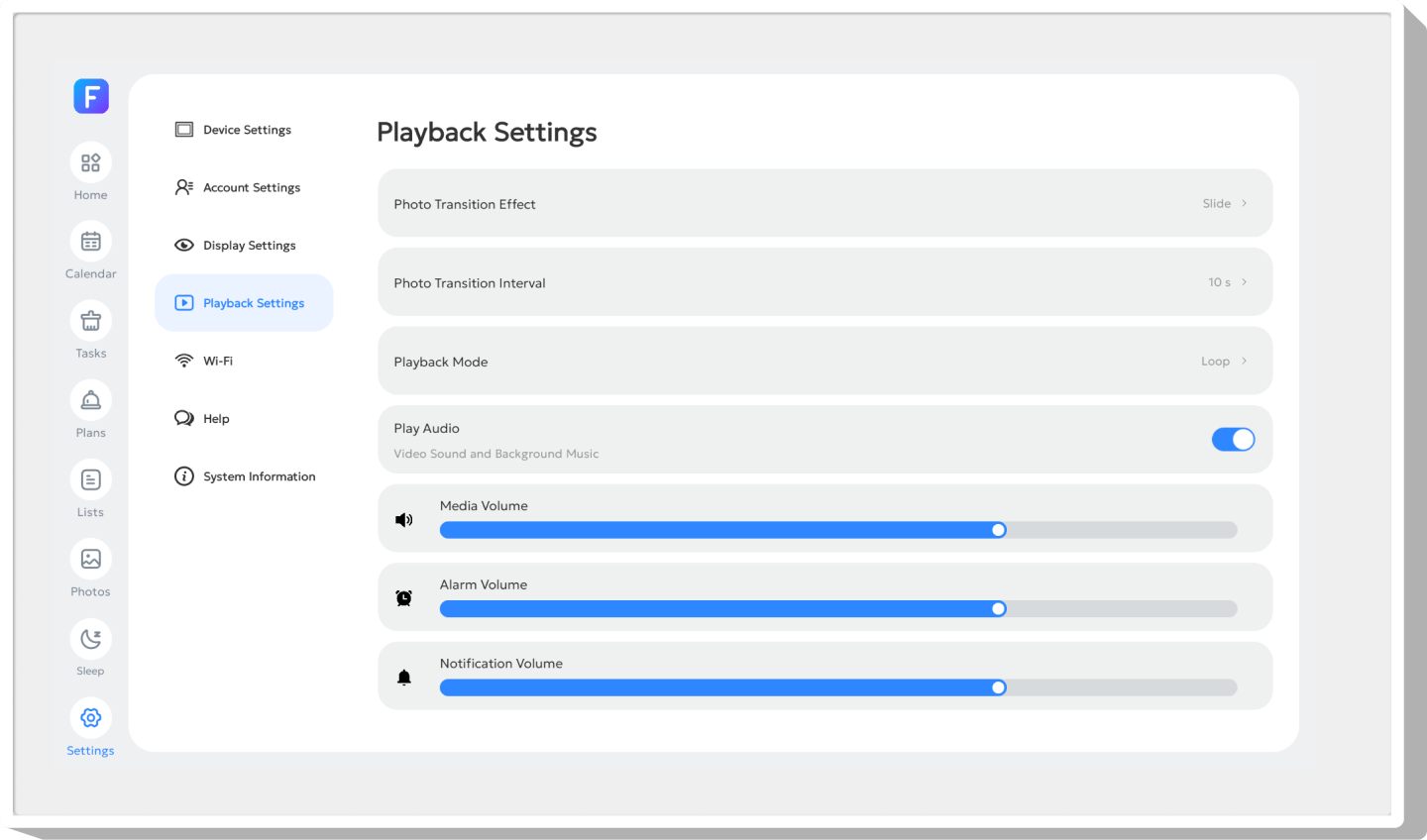
Photo Transition Effect
Switch modes to change transition effects. The default transition is slide.
Photo Transition Interval
Set the playback interval for images and the art gallery.
Playback Mode
Select playback mode: Shuffle or Loop. Loop is selected by default.
Play Audio
Turn on the side‑switch to adjust volume. When this switch is off, the device will be muted.